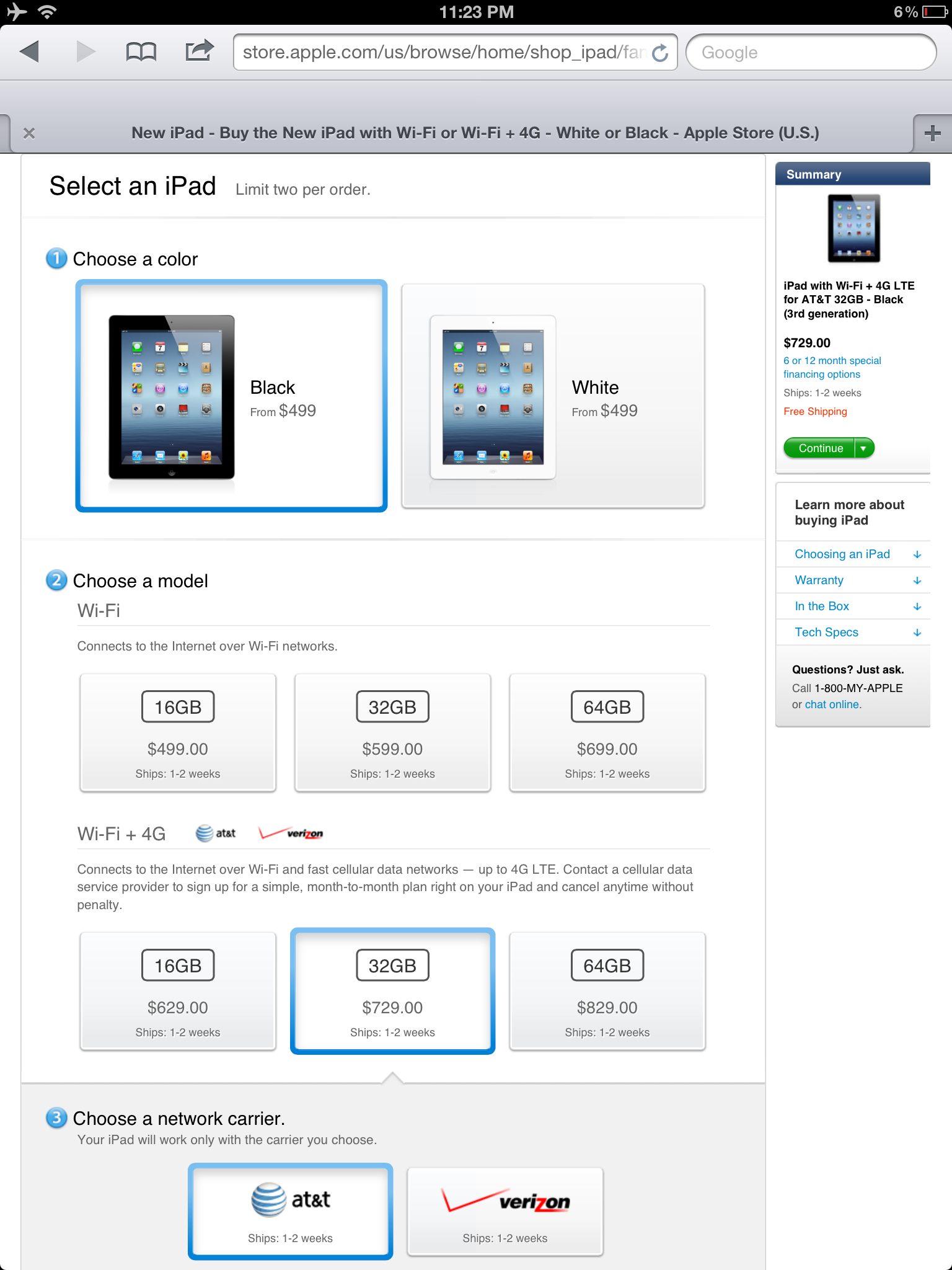
A Week With The New iPad - 4G Or Bust


If you're thinking about the new iPad, ask yourself - do you need internet connectivity outside of WiFi? Cause otherwise ... pass on it.

There are three main advantages to the new iPad:

Faster cellular signal: I'm on a train for two hours round trip during my work commute, so the updated 4G signal is a godsend. It feels like I'm surfing on wifi, and it's helped me to spend less time waiting for things to load and more time reading, tweeting, and all of that good stuff.

Better screen: The screen has been updated, and it is unbelievable. However, the screens of the iPad 1 and 2 are pretty damned good. And pretty damned good is enough for the majority of people.

Upgraded memory: The extra memory is noticeable when using intense applications like games and streaming applications like NBA Courtside. Again, nothing dramatic unless you are really on the bleeding edge.

Does that get you excited? Are you someone that runs intensive applications and requires internet outside of wifi coverage? If so, then you've probably already upgraded.

If you're not excited, then please note that the iPad 2 is on sale new for $100 cheaper, and you can save even more money if you look used.
Most of You Shouldn't Worry About the New iPad

I've advised several people not to upgrade to the new iPad. Meanwhile, I'm anticipating my preorder to come in tomorrow.  How do I reconcile this? It's pretty simple - you shouldn't upgrade unless you are a hardcore early adopter.  Same goes for almost any Apple product.

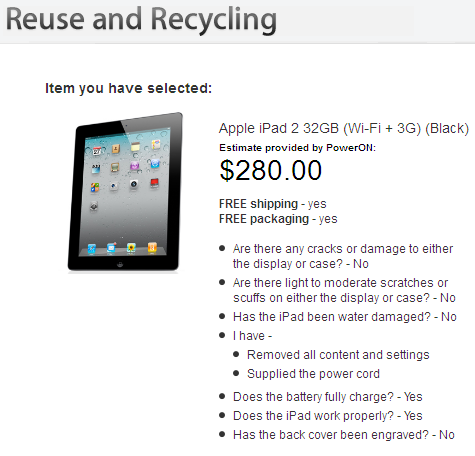
My iPad 2 is a great device. I can do everything that I need with it. There is nothing in the new iPad that gives me any brand new functionality that changes the game. But I still put my iPad 2 up for sale, and I am eagerly anticipating tomorrow.

So what's so different about the new iPad that I've decided to upgrade? Things are better. Better display. Better network connectivity. Better voice input. Those three things alone appeal to me, a person that pushes the edge when it comes to technology. I do way more intensive gaming on the iPad than the average person (I can't see casual games benefiting from a retina display), and I have an hour long train ride to work where a 4G signal would be magic. I know I'm an outlier.

I'll shoot a short review video when I get my hands on it and put it through its paces. See y'all tomorrow!

Pinning All Over the World

I love Pinterest. it's a completely visual social networking tool where people post photos that they've taken or that link to other websites. But to me the links and comments aren't important. I like to jump on, browse the photos, and like / reshare (called repin) cool pictures, and jump out. This usually takes around 5 minutes or so. The elegant web design arranges everything is a grid and is very easy on the eyes.

Pinterest also allows you to follow only certain categories, called boards, that a user creates. So if someone is posting about ugly shirts, I can unfollow just that category and still have access to the other pictures from the user.

Then my man Pierre showed up. He began following me and I fell in love with his old school tech pics. The I went to his profile page and saw that it's completely in another language! If this was another network, the language barrier would have effectively prohibited us from easily connecting on the site.

Pinterest is not the first site to offer this visual view. Instagram comes to mind, but it's limited to iOS devices and the site design isn't nearly as good. And Flickr is a little dated and more suited to serious photography.

If you haven't been pinning, get to it! Follow me at Pinterest.com/shareefjackson